Step 1: How to Add a Processor Model
Objective
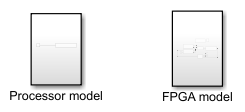
Providing one subsystem for the processor model and one for the FPGA model.
Method: To add the processor model
Select all blocks of the FPGA model. An RTI Data block that was possibly added automatically does not belong to the FPGA model.

Press CTRL + G to create a subsystem from the selection.
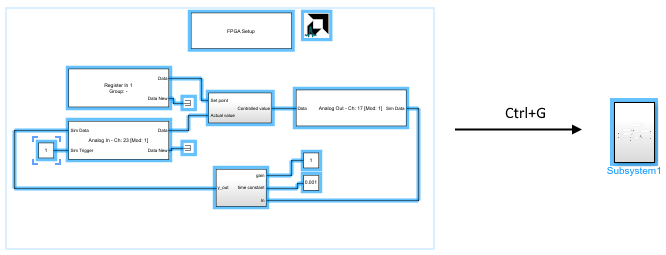
Rename the created subsystem to FPGA model.
Add a new subsystem to the root level of the Simulink model and name it Processor model.
Save the Simulink model as
FPGAGettingStarted_Lesson02.slx.
Result
You created one Simulink model that includes a subsystem for the processor functionality and a subsystem for the FPGA functionality.
Next step
For the next step, refer to Step 2: How to Model the Processor Communication.