Creating a Real-Time Application: Starting with a Simulink Behavior Model
Objective
"Starting with a Simulink behavior model" is a workflow whose starting point is one behavior model in Simulink®. This workflow is typically used in implementing real-time applications for rapid prototyping scenarios.
Overview
The following illustration gives you an overview of the use scenario.
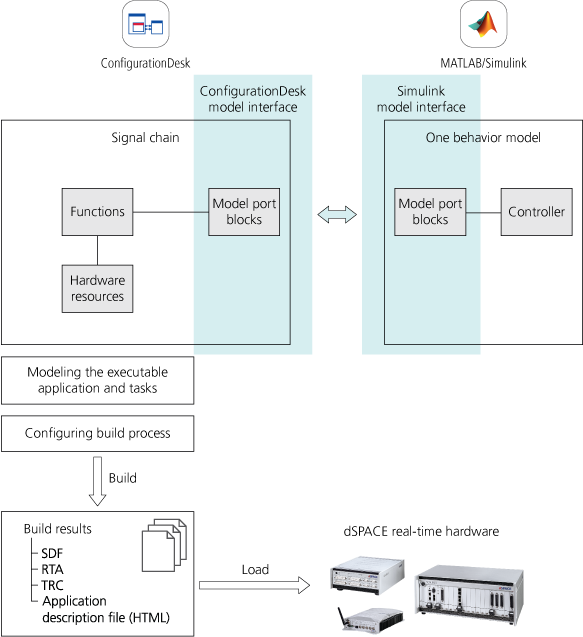
Workflow
The workflow shows the steps of a standard workflow for implementing a ConfigurationDesk application with one behavior model.
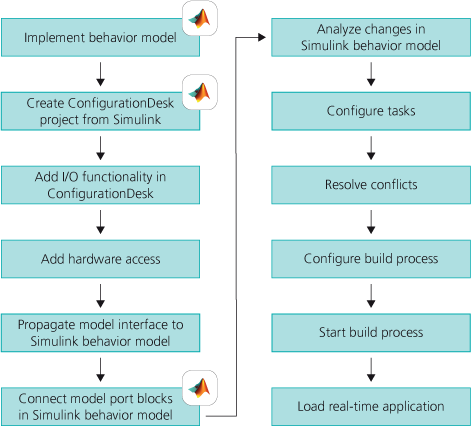
Detailed steps
The following table shows detailed workflow steps and indicates the corresponding chapters, which give you detailed information (basic information, instructions etc.).
Step | Work | Refer to ... | |
|---|---|---|---|
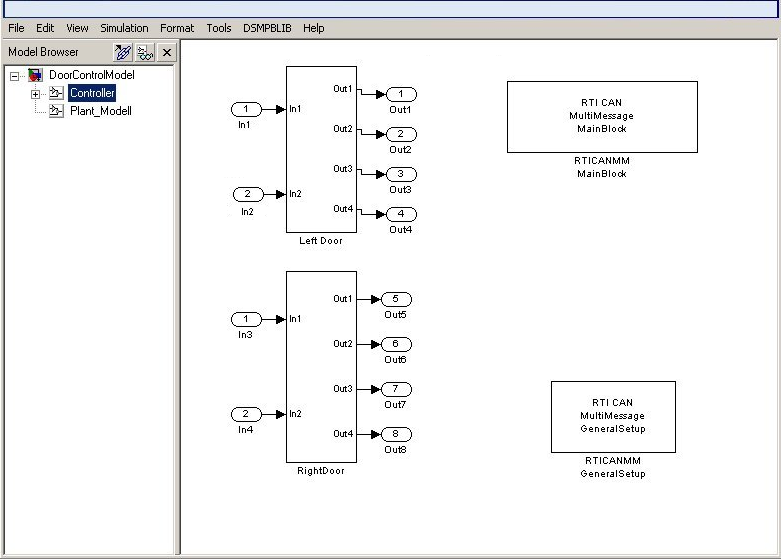
1 | Implement the behavior model:
 | ||
2 | Create a new ConfigurationDesk project. | ||
1 | Create ConfigurationDesk project from the Simulink behavior model. | ||
2 | Add the behavior model to the ConfigurationDesk application. | ||
3 | Add I/O functionality to the ConfigurationDesk application. | ||
1 | Create signal chain using the Model-Function Mapping Browser. 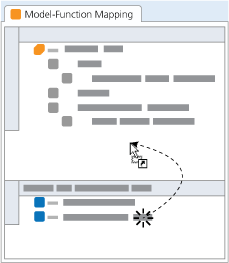 | Creating Signal Chains via the Model‑Function Mapping Browser | |
2 | Configure the function block properties. 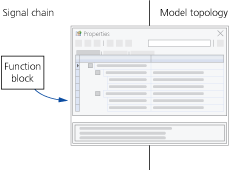 | ||
4 | Add hardware access. | ||
1 | Add a hardware topology to the ConfigurationDesk application. | ||
2 | Assign hardware resources to the function blocks. 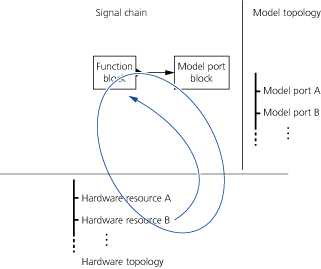 | ||
5 | Propagate changes from ConfigurationDesk to the Simulink behavior model. | Propagating Changes in the ConfigurationDesk Model Interface Directly to a Simulink Model | |
6 | Connect new model port blocks in Simulink behavior model. | ||
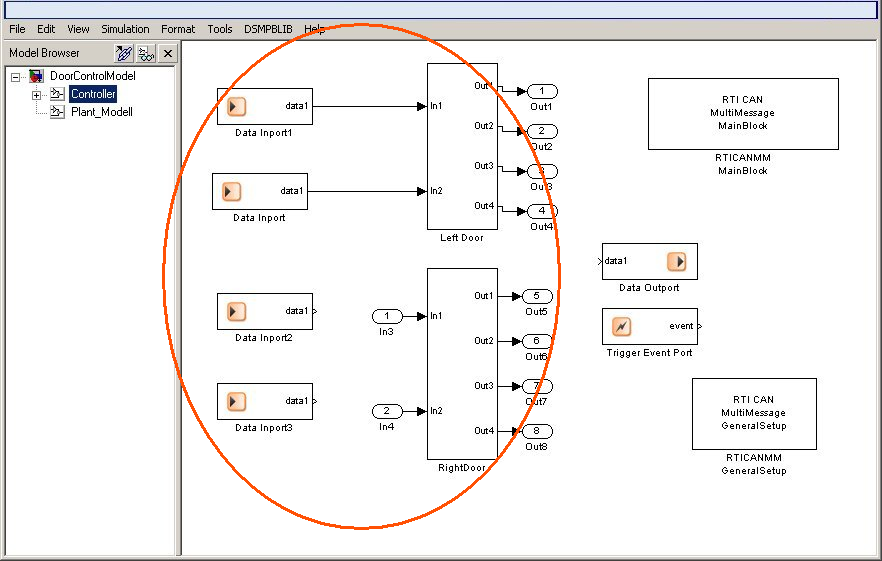 | |||
7 | Analyze changes in Simulink behavior model from ConfigurationDesk. | ||
8 | Configure tasks. | ||
9 | Resolve conflicts via the Conflicts Viewer. | ||
10 | Configure and start the build process to build the real-time application. | ||
1 | Configure the build process. | ||
2 | Start the build process. | ||
11 | Load the real-time application to a platform. | ||