Configuring Bus Communication for Generating Bus Simulation Containers Without Behavior Models
Introduction
You can generate bus simulation containers without using a behavior model if signal values do not have to change dynamically during run time. For example, you do not need a behavior model if you only want to inspect the response of an ECU under test to manipulated static signal values.
Workflow
The following table shows detailed workflow steps and indicates the related topics and lessons of this tutorial that guide you through the individual steps.
Step | Work | Related Topic/Lesson | ||
|---|---|---|---|---|
1 | Create a new or open an existing ConfigurationDesk project and application. 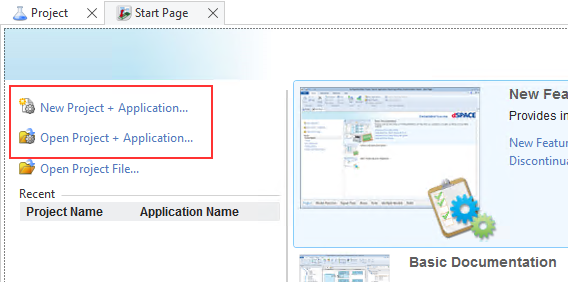 | |||
2 | Add communication matrices and bus configurations to the ConfigurationDesk application. | Lesson 1: Adding Communication Matrices and Bus Configurations to the ConfigurationDesk Application | ||
1 | Add a communication matrix. 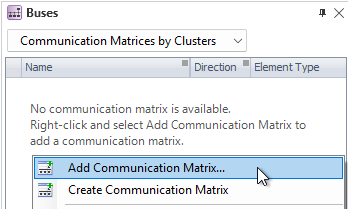 | |||
2 | Add a bus configuration. 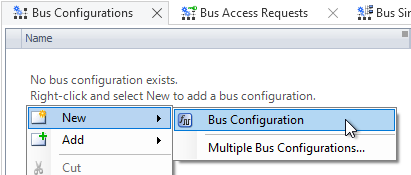 | |||
3 | Assign communication matrix elements to bus configurations for simulation, inspection, and/or manipulation purposes. | |||
Simulation | Lesson 2: Configuring Bus Communication for Simulation Purposes | |||
1 | Assign communication matrix elements to the Simulated ECUs part of a bus configuration. 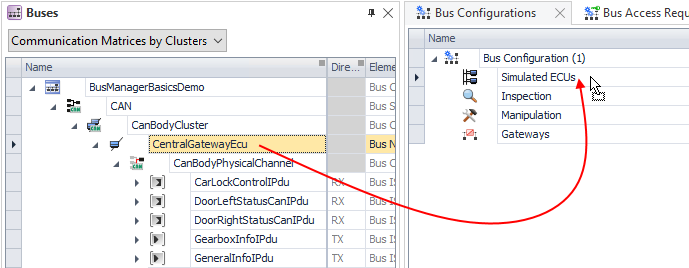 | |||
2 | Configure bus communication for simulation by using bus configuration features. 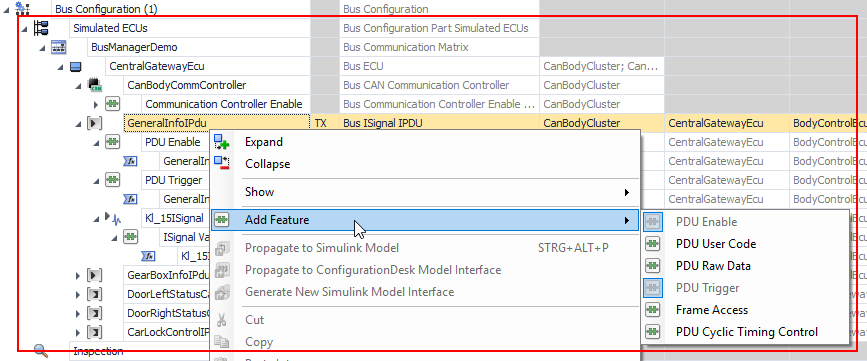 | |||
Inspection | Lesson 6: Configuring Bus Communication for Inspection Purposes | |||
1 | Assign communication matrix elements to the Inspection part of a bus configuration. 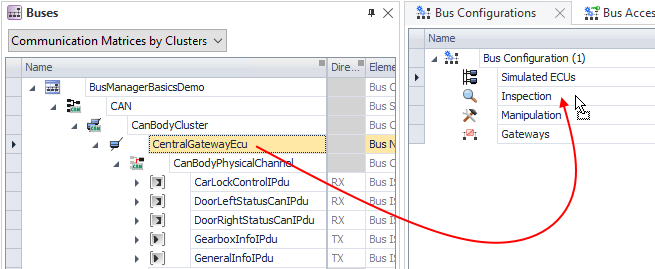 | |||
2 | Configure bus communication for inspection by using bus configuration features. 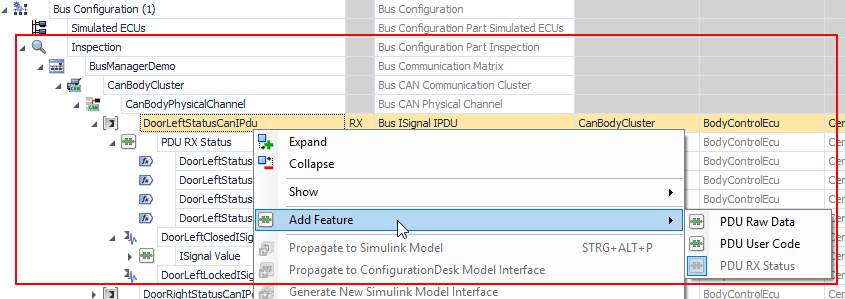 | |||
Manipulation | Lesson 7: Configuring Bus Communication for Manipulation Purposes | |||
1 | Assign communication matrix elements to the Manipulation part of a bus configuration. 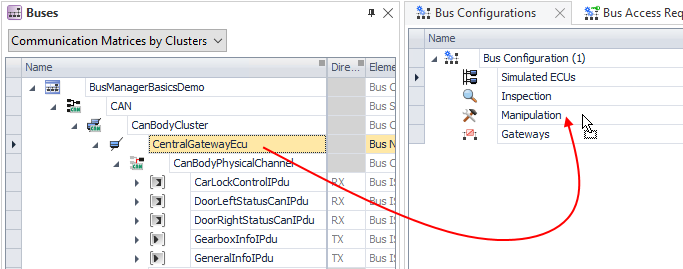 | |||
2 | Configure bus communication for manipulation by using bus configuration features. 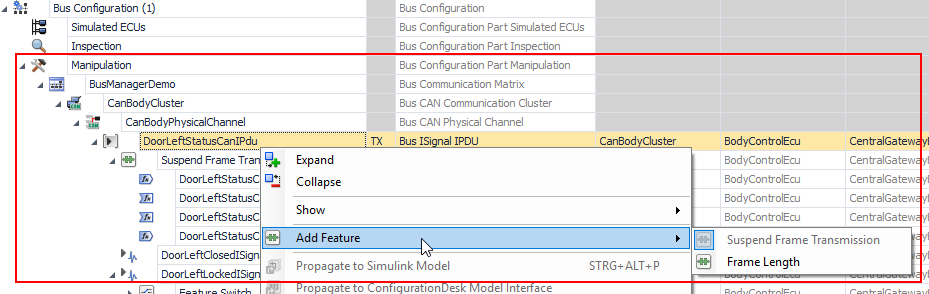 | |||
4 | Create an application process that provides a default task and assign the bus configuration to the application process. | |||
1 | Create an application process that provides a default task. 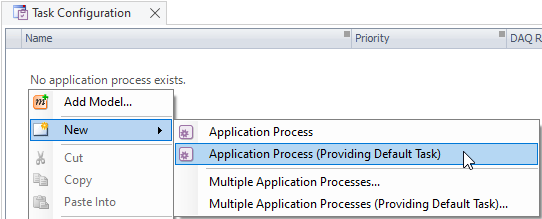 | |||
2 | Assign the bus configuration to the application process. 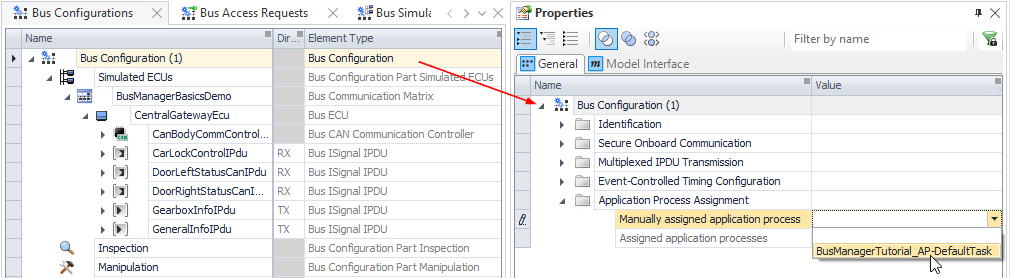 | |||
5 | Generate bus simulation containers. | |||
1 | Check the Conflicts Viewer for conflicts and resolve them, if necessary. 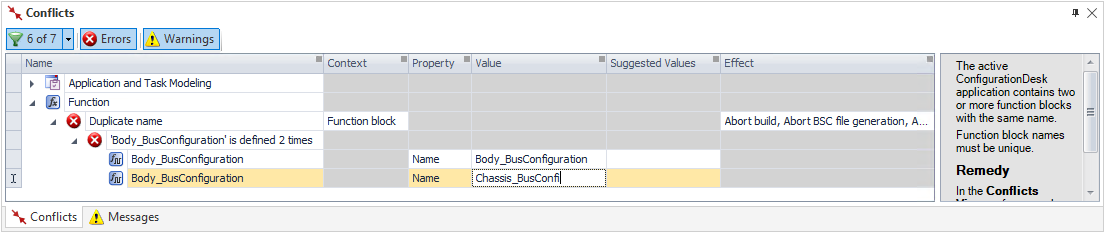 | |||
2 | Generate bus simulation containers (BSC files). 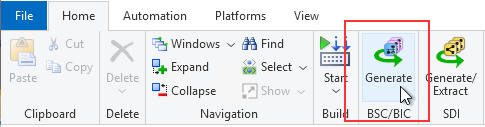 | |||