Step 4: How to Execute the Test
Introduction
You can execute the instantiated test case sequence on a registered platform in the same way as you execute sequences that you implemented as control flows.
You can track the execution of the test in the Message Viewer.
At the end of the test, a report of the test is generated.
Method: To execute the test
On the Signal Editor ribbon, click View Sets - Execution to activate the panes suitable for executing tests.
In the Project Manager, select the SignalBasedTesting folder.
On the Execute ribbon, click Execution - Execute to start the test.
During the test, the reached test steps and phases are written to the Output Viewer, together with their evaluation verdicts.
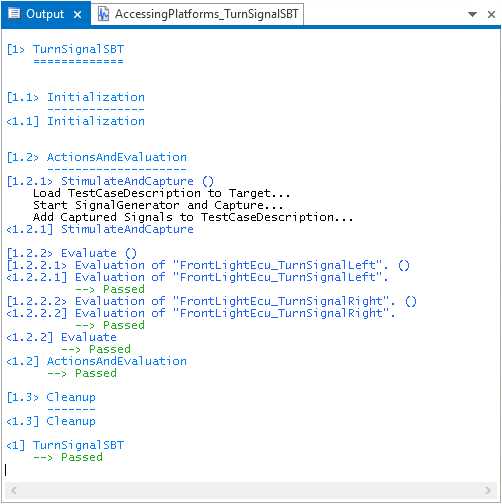
Result
After the execution of the test finished, the shapes of the captured signals were displayed together with the borders of the evaluation regions in the Signal Editor.

In the Project Manager, a result node was added that provides the report of the execution of the signal-based test. The result element is prefixed with the  symbol, which indicates the Passed result state.
You can open the report by double-clicking its element in the Project Manager.
What’s next
For a summary of the lesson's exercises, refer to Results of Lesson 8.